Showing a Pass on Your Phone
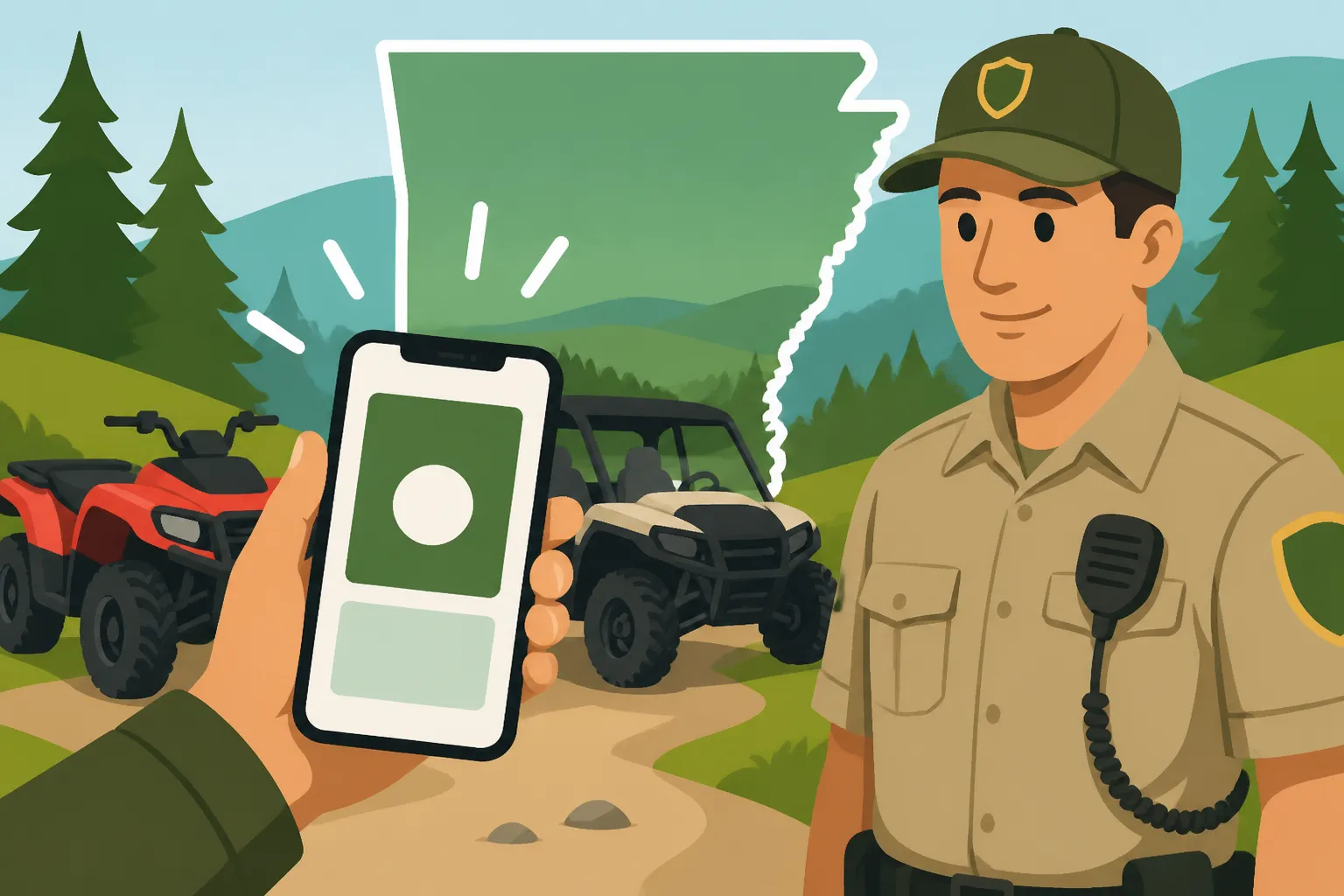
Showing a pass on your phone can save a stop at an Arkansas trailhead, but a digital pass is not automatically proof of every permit a rider needs. The key is knowing which agency manages the riding area, what kind of pass you bought, and whether that specific pass or payment can be displayed digitally.
What Showing a Pass on Your Phone Does and Does Not Prove
The U.S. Forest Service accepts digital versions of federal recreation passes, including America the Beautiful Interagency Passes. The USDA Forest Service says visitors can store and access these passes through a Recreation.gov account, the mobile app, or a mobile wallet. At participating trailheads and day-use sites, visitors can also use the Recreation.gov app to make digital payments.
That’s useful, but it doesn’t mean every Arkansas OHV permit is a federal recreation pass or that every trail system can verify every digital permit. A pass only covers the access or fee it was issued for. A phone display should not be treated as a substitute for a separate trail permit, required payment, vehicle registration, or compliance with route rules.
For example, some trail systems in the Ozark-St. Francis National Forests, including Mill Creek and Moccasin Gap, require a day-use fee or permit. As of November 2026, the USDA Forest Service identifies those systems as requiring that separate fee or permit. Don’t assume an interagency recreation pass satisfies a trail-specific requirement; check the current instructions for the exact trail before you leave.
| What you have on your phone | What it may show | What to confirm before riding |
|---|---|---|
| A federal recreation pass | The digital version of an eligible federal recreation pass | Whether the site accepts that pass for the access or fee in question |
| A Recreation.gov payment or reservation | A transaction, reservation, or pass in your account or app | Whether the trail system requires a separate OHV permit or payment |
| A trail-specific permit | The permit details supplied by the issuing system | Whether staff accept a phone display, and whether an offline copy is available |
| A payment receipt | Evidence that a payment was made | Whether the receipt itself counts as proof of authorization |
| A screenshot | A saved image of a pass or confirmation | Whether the issuer accepts screenshots rather than the live app or original pass |
If the pass is for a particular forest or trail system, the relevant rules matter more than the fact that it appears on a phone. Start with Arkansas Riders Need Two Different Forest Passes to understand why access requirements can differ between forests. For a broader look at what may be needed at a riding area, see Arkansas OHV Permits: Two Forests, Two Prices.
A digital display is most useful when it is the correct pass, is still valid, and can be clearly checked. It does not expand where you can ride. The USDA Forest Service says non-residents generally do not need a separate state OHV registration or trail permit to operate on federal public lands such as Arkansas national forests, provided they stay on designated routes. However, specific rules and entry permits can apply depending on the land manager, including on state-managed wildlife management areas.
That distinction matters on a trip that includes more than one type of land. A federal forest pass or permit does not automatically authorize riding on a state-managed area, a private park, or a route that is closed to OHVs. Use Arkansas WMA Access for a Quad and Arkansas WMA Rules in Plain English when your plans include wildlife management areas, and confirm the rules for each place you intend to enter.
Get the Digital Pass Ready Before You Reach the Trailhead
A phone pass is only convenient if you can open it when someone asks to see it. Prepare while you have a reliable connection rather than waiting until you are parked at a trailhead or deep into a forest.
First, identify the pass or permit you actually need. Check the trail system’s official instructions and note the land manager, the name of the required pass, and whether it applies to your vehicle or riding area. A generic recreation pass, a trail-specific permit, and a payment receipt may look similar in an account, but they may serve different purposes.
Then open the relevant pass in the app or account you plan to use. Confirm that the pass details are visible and that you can find the confirmation without searching through old messages. If the pass is managed through Recreation.gov, sign in and locate it before leaving home. The USDA Forest Service says eligible digital recreation passes can be accessed through a Recreation.gov account, its mobile app, or a mobile wallet; its app also supports digital payments at participating locations.
Consider the possibility that mobile service will be limited. Save any confirmation or pass information in a way the issuing provider supports for offline access. A screenshot can be a useful backup for your own reference, but don’t assume it will be accepted in place of the official pass or live confirmation. Follow the issuer’s instructions, especially if the pass uses a scannable code or needs to be verified in an account.
Before driving away, make sure the phone is charged and that the screen is usable outdoors. A dim display, a locked account, or an app that needs an update can turn a quick check into a frustrating delay. If you use a phone wallet, verify that the pass is actually there rather than assuming it synced. Keep the phone somewhere you can reach without unloading gear or leaving the riding area.
A waterproof phone pouch can help keep a device protected from dust, mud, or rain while leaving it accessible. If you buy one through Amazon, check that it works with your phone and that you can operate the screen through the pouch before relying on it outdoors. The pouch is a convenience, not proof of permission or a substitute for checking the trail system’s rules.
For permits purchased through Recreation.gov, Arkansas Permits Bought on Recreation.gov explains the online purchasing route. If a site instead uses a self-service fee station, the process may differ; review Arkansas Self-Service Fee Stations before you count on making a payment with your phone.
Check the Rules for the Forest and Trail You Plan to Ride
Arkansas riding areas do not all use the same access system. Some general riding on designated routes in national forests may not require a special OHV permit, while particular trail systems can require their own fee or permit. A digital federal recreation pass may be accepted for one purpose without covering a separate trail-use requirement.
Before your trip, check the specific trail or complex you plan to use. Confirm whether it is open, whether it requires an OHV permit or day-use payment, and what form of proof the manager accepts. The USDA Forest Service says designated motorized trails in the Ouachita National Forest, including Wolf Pen Gap, are typically open during specified seasonal and holiday periods. Conditions and closures can affect a visit, so check the official status rather than treating a pass as proof that a trail is open.
When your route includes more than one trail system, make a separate check for each one. Arkansas Permits Are Per Vehicle is useful when you are bringing more than one machine, and Carrying Your Forest Permit at Mill Creek covers a trail system with its own permit considerations. For a comparison of annual and day-use options, see Arkansas Day Permit vs Annual Permit Value.
| Trip detail | Why to check it | What to have ready |
|---|---|---|
| The land manager | Different agencies can set different access rules | The name of the agency or operator and its current instructions |
| The riding area | A forest-wide rule may not describe a specific trail system | The trail’s permit, payment, and closure information |
| The pass type | A recreation pass may not cover an OHV-specific charge | The exact pass or permit required for that activity |
| The proof method | Some sites support digital passes or payment; others may use a different procedure | The live pass, confirmation, or other proof specified by the issuer |
| The route | Authorization does not make a closed or undesignated route legal to ride | A current map and information about designated routes |
Keep the pass separate in your mind from the ride itself. A valid payment does not mean every nearby road or path is open to motorized use. The USDA Forest Service’s guidance for non-residents is tied to riding on designated routes, and the land manager’s rules still apply. If you are unsure whether a route is designated, stop and verify rather than relying on a pass display to settle the question.
It can also help to distinguish a permit check from a vehicle or safety check. The pass on your phone does not confirm that the machine meets equipment requirements. For instance, the USDA Forest Service requires a properly installed and maintained spark arrester on internal-combustion off-highway vehicles in the Ozark-St. Francis National Forests. Arkansas law also prohibits operating an ATV with a removed or modified spark arrester or modified exhaust. Keep those requirements in mind even when your digital pass is ready.
If you are comparing trail access across areas, What a Forest Ranger Checks on an Arkansas Trailhead can help you think through what may be reviewed beyond the pass itself. For route planning, Arkansas Trail Conditions Before You Tow is a useful companion, especially when weather or closures could change your plans.
What to Do If Your Phone Pass Cannot Be Verified
If a ranger, attendant, or other authorized staff member cannot see the pass, stay calm and make it easy to check. Open the original app, account, wallet, or confirmation instead of repeatedly presenting a hard-to-read screenshot. Turn up the screen brightness, enlarge the pass details if needed, and show the part that identifies the pass or transaction.
If the app will not load, explain what you have and show any offline record the issuer permits. A saved receipt or confirmation can help staff understand what happened, but it may not replace the required proof. Ask what they need to verify and follow the site’s instructions. Don’t assume a successful charge means you can proceed if the permit itself is missing or the system cannot confirm it.
If the problem is a payment rather than a display, use only the payment method the site or agency authorizes. The Recreation.gov mobile app supports digital payments at participating trailheads and day-use sites, according to the USDA Forest Service. “Participating” is important: availability at one location does not establish that a different trailhead accepts the same process. If you know the location uses a kiosk or another payment method, plan for that instead of expecting phone payment everywhere.
When staff cannot confirm authorization, the practical choice may be to wait while the issue is resolved or use the official process they provide. Avoid entering a fee area or riding a route on the assumption that a screenshot, email, or bank notification will settle the matter later. What a Forest Ranger Checks on an Arkansas Trailhead and Arkansas Permit Questions Rangers Hear Most offer related context for preparing to show the right documentation.
For future trips, keep a record of the issuing agency, the permit name, and the accepted display method with your ride plans. If a trail system’s instructions are unclear, contact its manager before leaving. That small check can prevent a pass that is valid in one context from being mistaken for the separate authorization required somewhere else.
Disclaimer
This article is for general informational purposes only and does not constitute professional advice. Laws, prices and regulations vary by location and change over time. Consult a qualified professional for guidance on your specific situation.